
 Basin for Craft docs
Forms
Basin → Forms lists every form in your linked Basin project, with its spam protection and submission counts. Users who can create forms also see a New form button (see Creating and editing forms).
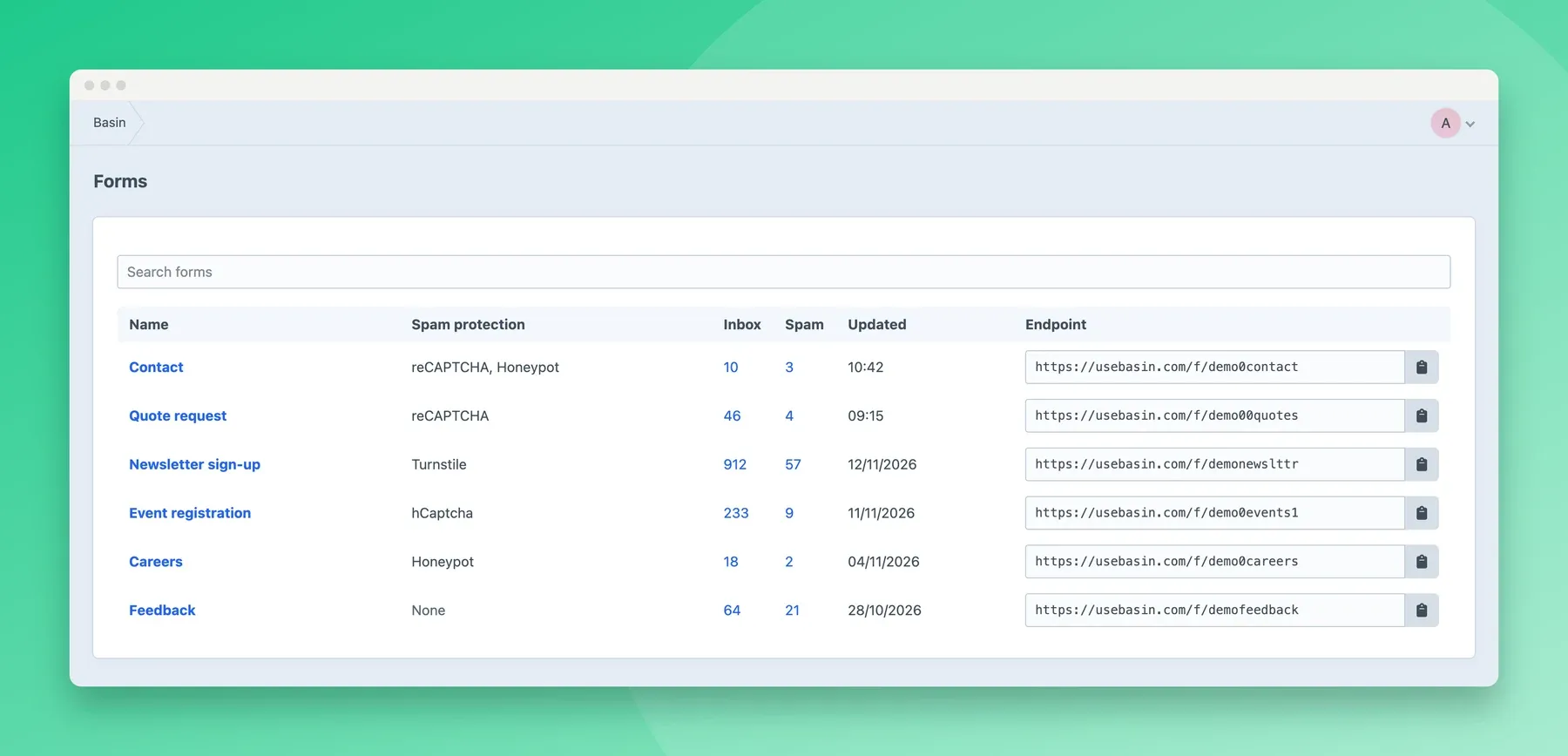
Click an Inbox or Spam count to go straight to those submissions, or click a form’s name to see:
- its endpoint URL, to copy;
- a summary of its settings in Basin (redirect, whether it always responds with JSON, spam protection, timezone, retention), with an Edit settings button for users who can change them;
- Form Studio embed, to add or remove the embed code for the form’s Form Studio version, if it has one;
- reCAPTCHA version, for forms that require reCAPTCHA;
- template code for the form, ready to copy;
- warnings, such as a Turnstile form with no keys in Basin, or a form with Basin’s Enable AJAX on, which shows raw JSON to anyone who submits it without JavaScript.
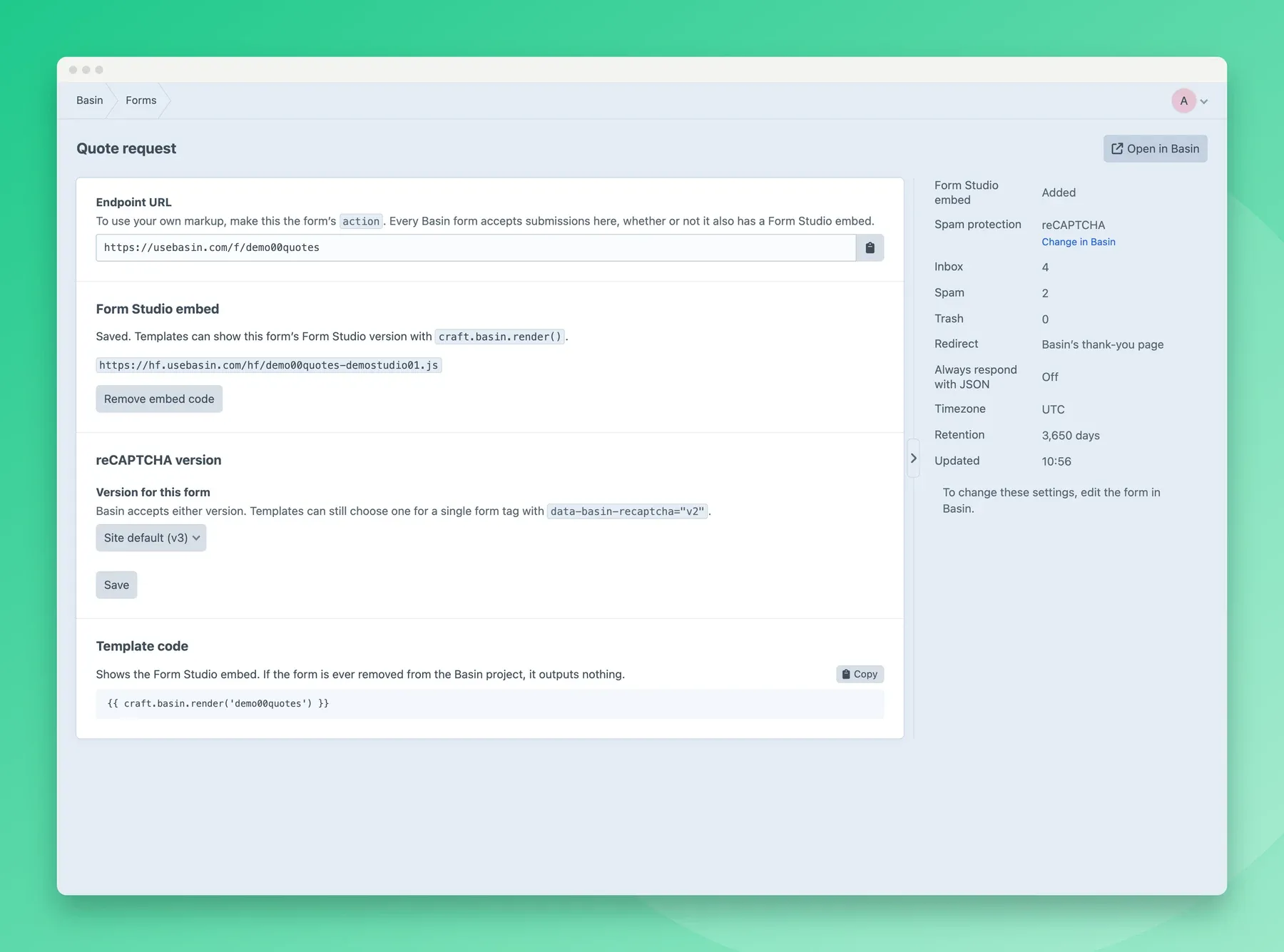
A form’s fields are part of your markup or its Form Studio design, not the plugin. Its notifications, redirect, auto-reply and retention can be changed in the Control Panel; spam settings and webhooks are changed in Basin. The plugin picks up changes made in Basin within the Cache duration.
Problems with forms the site uses, such as a form that’s been deleted in Basin, are in the error log.
Renaming the menu item
Section titled “Renaming the menu item”Admins can change “Basin” in the main menu to something else, such as “Forms”, under Menu label in the settings.